马上注册,结交更多好友,享用更多功能,让你轻松玩转社区。
您需要 登录 才可以下载或查看,没有账号?注册
×
参考文档Kroki说明具体支持的内容(按类别大致分组)BlockDiag 家族:BlockDiag、SeqDiag、ActDiag、NwDiag、PacketDiag、RackDiag 等。 BPMN:业务流程建模符号。 Bytefield、Ditaa、Erd、TikZ、PlantUML、UMLet、Vega/Vega-Lite、WaveDrom 等:涵盖各种图形、流程、数据关系和可视化表示。 C4:与 PlantUML 一起使用的 C4 模型(架构层级和关系图)。 D2、GraphViz、Mermaid、Nomnoml、Pikchr、Structurizr、Excalidraw、SvgBob、Symbolator、Turbo 等:不同风格和语法的图形描述工具或可视化风格。 以及更多未来会增加的支持。
核心含义简单的使用场景通过 Kroki 集成,您可以在 AsciiDoc、Markdown、reStructuredText 和 Textile 中创建图表代码。 在 GitLab 中启用 Kroki你需要在设置的管理区域启用 Kroki 集成。请用管理员账户登录并按照以下步骤操作: Kroki服务Kroki 的图表不会存储在 GitLab 上,因此标准的 GitLab 访问控制和其他用户权限限制不会生效。 docker部署Kroki服务 docker run -d --name kroki -p 8080:8000 yuzutech/krokiKroki 的 URL 是运行容器的服务器主机名。yuzutech/kroki Docker 镜像开箱即用地支持大多数图表类型。若要查看完整列表,请参阅 Kroki 安装文档。 支持的图表类型包括: 创建图表启用并配置 Kroki 集成后,您就可以在 AsciiDoc 或 Markdown 文档中使用带定界符的代码块来添加图表: Markdown ```plantuml
Bob -> Alice : hello
Alice -> Bob : hi
```AsciiDoc [plantuml]
....
Bob->Alice : hello
Alice -> Bob : hi
....reStructuredText .. code-block:: plantuml
Bob->Alice : hello
Alice -> Bob : hiTextile bc[plantuml]. Bob->Alice : hello
Alice -> Bob : hi
带定界符的块将转换为指向 Kroki 实例的 HTML 图像标签。如果 Kroki 服务器配置正确,这将呈现出一个漂亮的图表,而不是该块内容: Kroki 支持十几个图表库。以下是 AsciiDoc 的一些示例: GraphViz graphviz 示例 [graphviz]
....
digraph finite_state_machine {
rankdir=LR;
node [shape = doublecircle]; LR_0 LR_3 LR_4 LR_8;
node [shape = circle];
LR_0 -> LR_2 [ label = "SS(B)" ];
LR_0 -> LR_1 [ label = "SS(S)" ];
LR_1 -> LR_3 [ label = "S($end)" ];
LR_2 -> LR_6 [ label = "SS(b)" ];
LR_2 -> LR_5 [ label = "SS(a)" ];
LR_2 -> LR_4 [ label = "S(A)" ];
LR_5 -> LR_7 [ label = "S(b)" ];
LR_5 -> LR_5 [ label = "S(a)" ];
LR_6 -> LR_6 [ label = "S(b)" ];
LR_6 -> LR_5 [ label = "S(a)" ];
LR_7 -> LR_8 [ label = "S(b)" ];
LR_7 -> LR_5 [ label = "S(a)" ];
LR_8 -> LR_6 [ label = "S(b)" ];
LR_8 -> LR_5 [ label = "S(a)" ];
}
....md 文件中的示例写法 ```graphviz
digraph finite_state_machine {
rankdir=LR;
node [shape = doublecircle]; LR_0 LR_3 LR_4 LR_8;
node [shape = circle];
LR_0 -> LR_2 [ label = "SS(B)" ];
LR_0 -> LR_1 [ label = "SS(S)" ];
LR_1 -> LR_3 [ label = "S($end)" ];
LR_2 -> LR_6 [ label = "SS(b)" ];
LR_2 -> LR_5 [ label = "SS(a)" ];
LR_2 -> LR_4 [ label = "S(A)" ];
LR_5 -> LR_7 [ label = "S(b)" ];
LR_5 -> LR_5 [ label = "S(a)" ];
LR_6 -> LR_6 [ label = "S(b)" ];
LR_6 -> LR_5 [ label = "S(a)" ];
LR_7 -> LR_8 [ label = "S(b)" ];
LR_7 -> LR_5 [ label = "S(a)" ];
LR_8 -> LR_6 [ label = "S(b)" ];
LR_8 -> LR_5 [ label = "S(a)" ];
}
```
渲染图效果 C4 (based on PlantUML) c4plantuml 示例 [c4plantuml]
....
@startuml
!include C4_Context.puml
title System Context diagram for Internet Banking System
Person(customer, "Banking Customer", "A customer of the bank, with personal bank accounts.")
System(banking_system, "Internet Banking System", "Allows customers to check their accounts.")
System_Ext(mail_system, "E-mail system", "The internal Microsoft Exchange e-mail system.")
System_Ext(mainframe, "Mainframe Banking System", "Stores all of the core banking information.")
Rel(customer, banking_system, "Uses")
Rel_Back(customer, mail_system, "Sends e-mails to")
Rel_Neighbor(banking_system, mail_system, "Sends e-mails", "SMTP")
Rel(banking_system, mainframe, "Uses")
@enduml
....md 文件中的示例写法 ```c4plantuml
@startuml
!include C4_Context.puml
title System Context diagram for Internet Banking System
Person(customer, "Banking Customer", "A customer of the bank, with personal bank accounts.")
System(banking_system, "Internet Banking System", "Allows customers to check their accounts.")
System_Ext(mail_system, "E-mail system", "The internal Microsoft Exchange e-mail system.")
System_Ext(mainframe, "Mainframe Banking System", "Stores all of the core banking information.")
Rel(customer, banking_system, "Uses")
Rel_Back(customer, mail_system, "Sends e-mails to")
Rel_Neighbor(banking_system, mail_system, "Sends e-mails", "SMTP")
Rel(banking_system, mainframe, "Uses")
@enduml渲染效果图
Nomnoml [nomnoml]
....
[Pirate|eyeCount: Int|raid();pillage()|
[beard]--[parrot]
[beard]-:>[foul mouth]
]
[<abstract>Marauder]<:--[Pirate]
[Pirate]- 0..7[mischief]
[jollyness]->[Pirate]
[jollyness]->[rum]
[jollyness]->[singing]
[Pirate]-> *[rum|tastiness: Int|swig()]
[Pirate]->[singing]
[singing]<->[rum]
....md 文件中的示例写法 ```nomnoml
[Pirate|eyeCount: Int|raid();pillage()|
[beard]--[parrot]
[beard]-:>[foul mouth]
]
[<abstract>Marauder]<:--[Pirate]
[Pirate]- 0..7[mischief]
[jollyness]->[Pirate]
[jollyness]->[rum]
[jollyness]->[singing]
[Pirate]-> *[rum|tastiness: Int|swig()]
[Pirate]->[singing]
[singing]<->[rum]
```渲染效果图
gitlab 仓库中完整 README.md 文件内容 ```plantuml
Bob -> Alice : hello
Alice -> Bob : hi
```
---
```mermaid
graph TD
A[User] --> B[GitLab]
B --> C[Kroki]
C --> D[SVG Output]
```
---
```structurizr
workspace {
model {
user = person "User"
system = softwareSystem "System" {
user -> this "Uses"
}
}
views {
systemContext system {
include *
autolayout lr
}
}
}
```
---
```structurizr
workspace "Name" "Description" {
!identifiers hierarchical
model {
u = person "User"
ss = softwareSystem "Software System" {
wa = container "Web Application"
db = container "Database Schema" {
tags "Database"
}
}
u -> ss.wa "Uses"
ss.wa -> ss.db "Reads from and writes to"
}
views {
systemContext ss "Diagram1" {
include *
autolayout lr
}
container ss "Diagram2" {
include *
autolayout lr
}
styles {
element "Element" {
color #f8289c
stroke #f8289c
strokeWidth 7
shape roundedbox
}
element "Person" {
shape person
}
element "Database" {
shape cylinder
}
element "Boundary" {
strokeWidth 5
}
relationship "Relationship" {
thickness 4
}
}
}
configuration {
scope softwaresystem
}
}
```
---
```graphviz
digraph finite_state_machine {
rankdir=LR;
node [shape = doublecircle]; LR_0 LR_3 LR_4 LR_8;
node [shape = circle];
LR_0 -> LR_2 [ label = "SS(B)" ];
LR_0 -> LR_1 [ label = "SS(S)" ];
LR_1 -> LR_3 [ label = "S($end)" ];
LR_2 -> LR_6 [ label = "SS(b)" ];
LR_2 -> LR_5 [ label = "SS(a)" ];
LR_2 -> LR_4 [ label = "S(A)" ];
LR_5 -> LR_7 [ label = "S(b)" ];
LR_5 -> LR_5 [ label = "S(a)" ];
LR_6 -> LR_6 [ label = "S(b)" ];
LR_6 -> LR_5 [ label = "S(a)" ];
LR_7 -> LR_8 [ label = "S(b)" ];
LR_7 -> LR_5 [ label = "S(a)" ];
LR_8 -> LR_6 [ label = "S(b)" ];
LR_8 -> LR_5 [ label = "S(a)" ];
}
```
---
```c4plantuml
@startuml
!include C4_Context.puml
title System Context diagram for Internet Banking System
Person(customer, "Banking Customer", "A customer of the bank, with personal bank accounts.")
System(banking_system, "Internet Banking System", "Allows customers to check their accounts.")
System_Ext(mail_system, "E-mail system", "The internal Microsoft Exchange e-mail system.")
System_Ext(mainframe, "Mainframe Banking System", "Stores all of the core banking information.")
Rel(customer, banking_system, "Uses")
Rel_Back(customer, mail_system, "Sends e-mails to")
Rel_Neighbor(banking_system, mail_system, "Sends e-mails", "SMTP")
Rel(banking_system, mainframe, "Uses")
@enduml
```
---
```nomnoml
[Pirate|eyeCount: Int|raid();pillage()|
[beard]--[parrot]
[beard]-:>[foul mouth]
]
[<abstract>Marauder]<:--[Pirate]
[Pirate]- 0..7[mischief]
[jollyness]->[Pirate]
[jollyness]->[rum]
[jollyness]->[singing]
[Pirate]-> *[rum|tastiness: Int|swig()]
[Pirate]->[singing]
[singing]<->[rum]
```
|
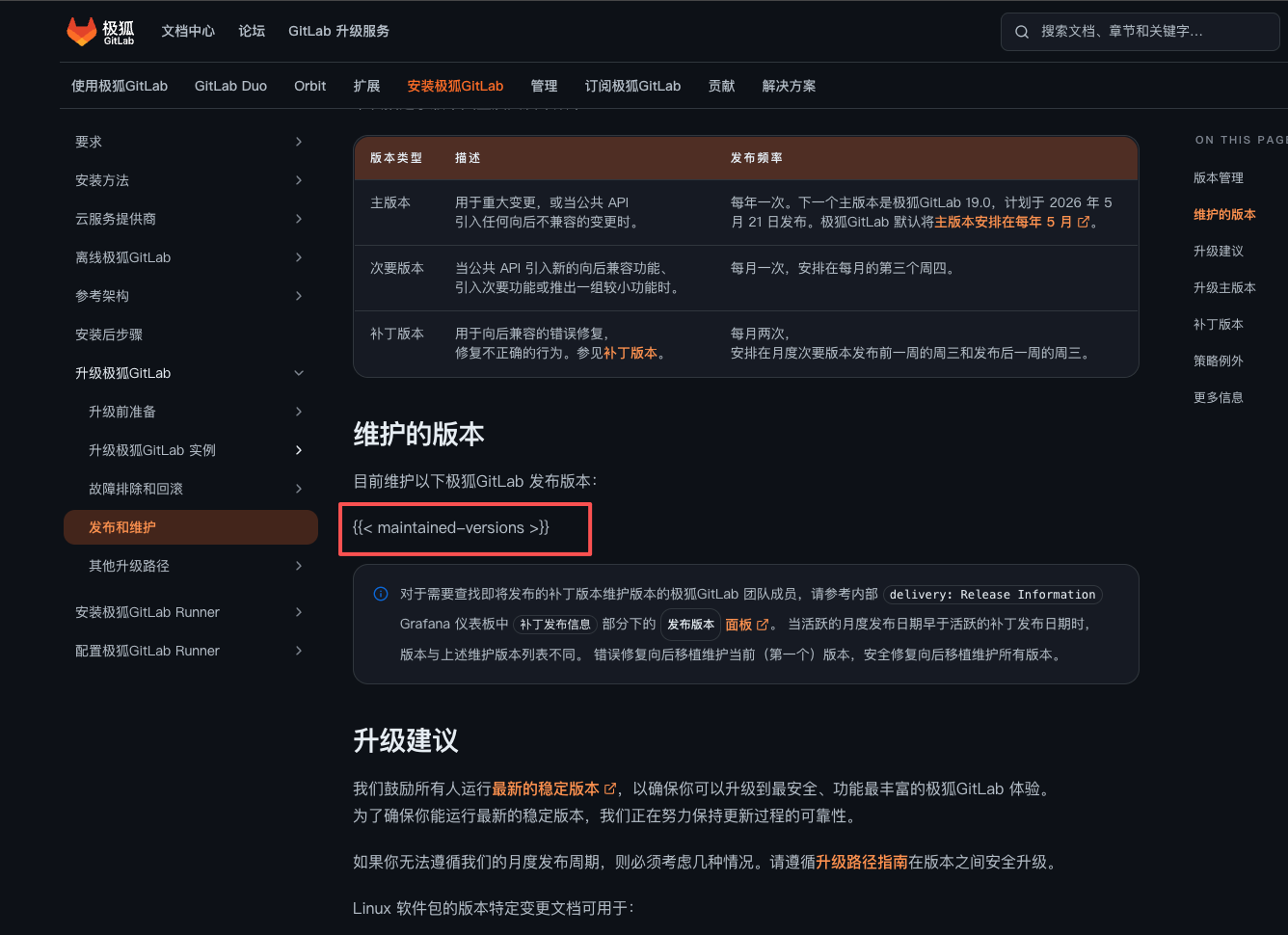 这边是不是个问题啊,内容没有显示出来633 人气#其他
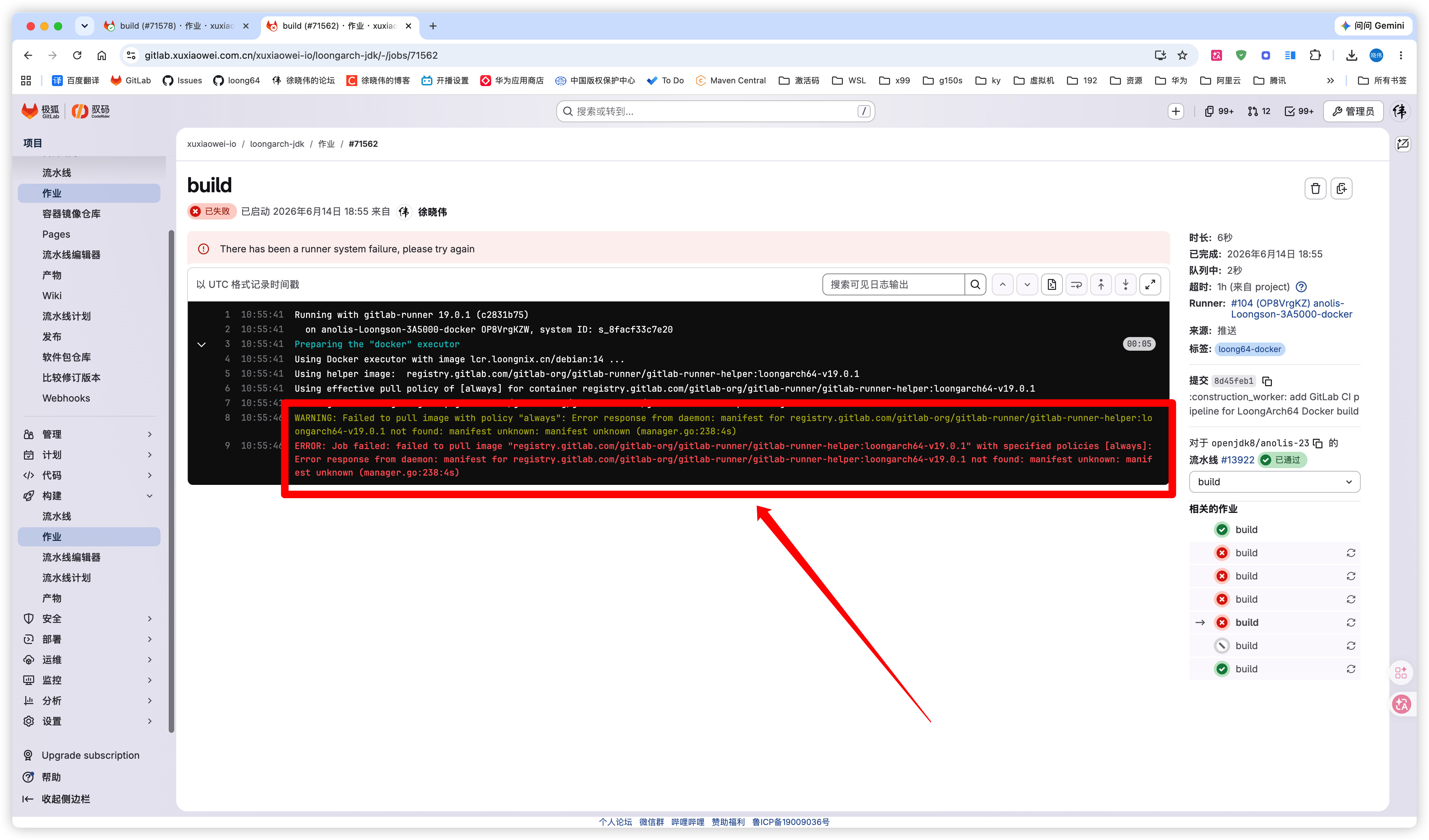 GitLab Runner 可以在 LoongArch64 (loong6714 人气#CI/CD
 CORERIDER插件2 人气#安全漏洞
 gitlab-jh:18.7.1 配置阿里云 OSS 对象存储2069 人气#安装配置
 小马哥
小马哥 彳亍🦉
彳亍🦉 13006512929
 关注公众号
关注公众号 添加专业顾问


 徐晓伟
徐晓伟 卌巜珡
卌巜珡